
Creating a productive home office space is key to staying focused and efficient while working remotely. Whether you’re starting from scratch or refreshing an existing area, a well-designed workspace can improve your workday experience significantly. Here are some practical tips to help you set up a home office that supports your productivity and well-being.
1. Choose the Right Location
Start by selecting the best spot in your home for your office. Ideally, find a quiet area with minimal distractions. This can be a spare room, a corner of your living room, or even a section of your bedroom. Make sure the space has enough room for essential furniture and allows you to move comfortably.
2. Prioritize Natural Light
Natural light has a positive effect on mood and energy levels. Position your desk near a window if possible, but avoid glare on your computer screen. If natural light is limited, invest in good quality artificial lighting that mimics daylight to reduce eye strain and fatigue.
3. Invest in Ergonomic Furniture
Comfort is crucial for long working hours. Choose an ergonomic chair that supports your back and promotes good posture. Your desk should be at a height where your forearms are parallel to the floor when typing. Consider a standing desk or a convertible sit-stand workstation for variety and flexibility.
4. Organize Your Workspace
Clutter can hinder productivity. Use organizers, shelves, and drawers to keep your desk tidy. Store paperwork neatly and digitize documents when possible to reduce physical clutter. Having a designated place for office supplies helps you find what you need quickly.
5. Minimize Distractions
Identify common distractions in your home and find ways to reduce them. Noise-canceling headphones can help block out background sounds. Set boundaries with family members during work hours. Turning off unnecessary notifications on your devices can also help maintain focus.
6. Personalize Your Space
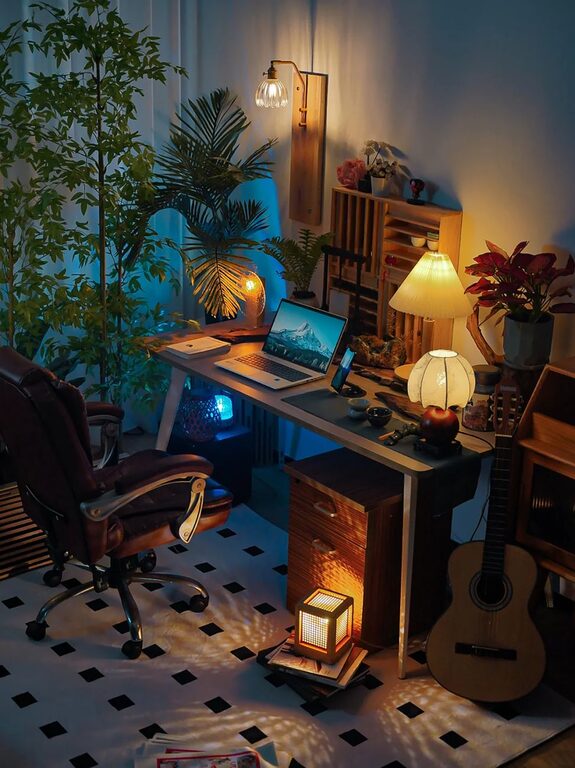
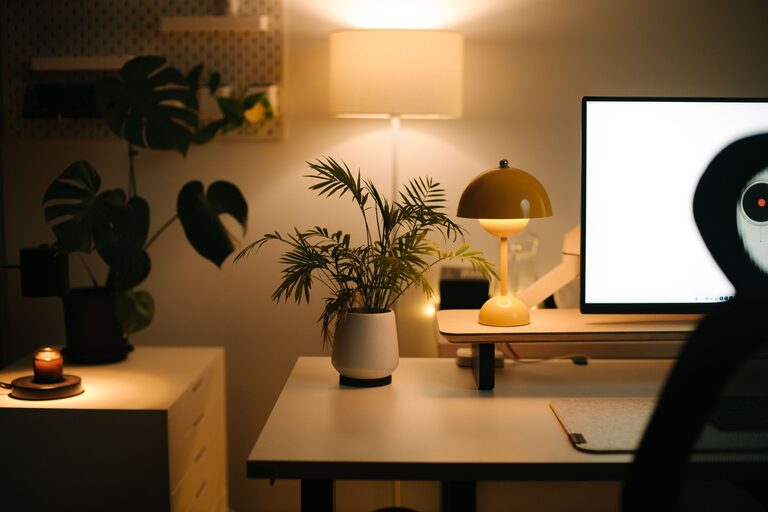
Make your home office inviting by adding personal touches. Plants, artwork, or photos can create a space where you enjoy spending time. Just be sure not to overdo it—too many decorations can become distractions.
7. Use Technology Wisely
Ensure you have reliable internet and the necessary hardware for your tasks. Cable management solutions keep cords neat and prevent tangles. Consider dual monitors if your work involves multitasking; this setup can improve efficiency.
8. Create a Routine
Having a consistent schedule signals your brain to shift into work mode. Start your day with a morning routine, take regular breaks, and finish work at a set time to maintain a healthy work-life balance.
9. Maintain Good Air Quality
Ventilation is often overlooked but important. Keep windows open when you can or use an air purifier to maintain fresh air. Comfortable temperature and humidity levels contribute to your comfort and alertness.
10. Stay Flexible and Adapt
Your needs may change over time. Periodically reassess your workspace to find improvements. Don’t hesitate to rearrange your furniture or upgrade equipment if it helps you work better.
Final Thoughts
A productive home office combines functionality, comfort, and personalization. By carefully choosing your location, managing lighting, organizing your supplies, and setting boundaries, you can create an environment that supports your success every day. Start small, make gradual improvements, and enjoy the benefits of a thoughtfully designed workspace.
About the Author