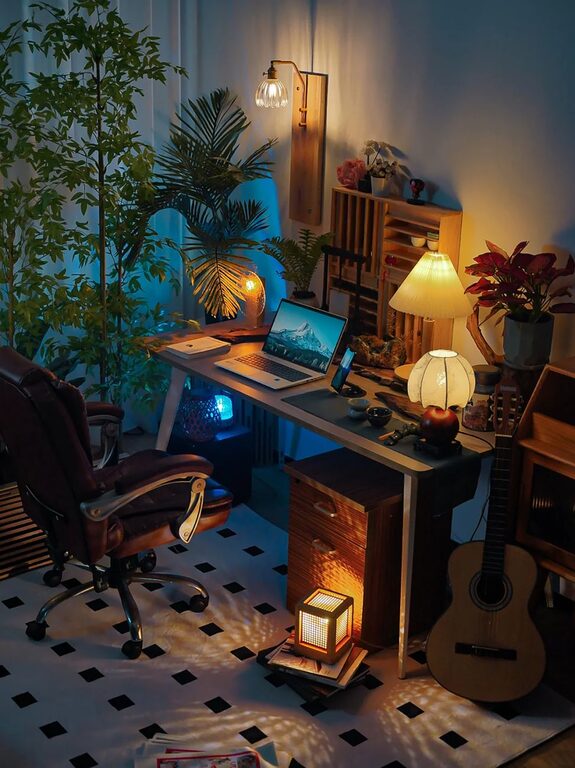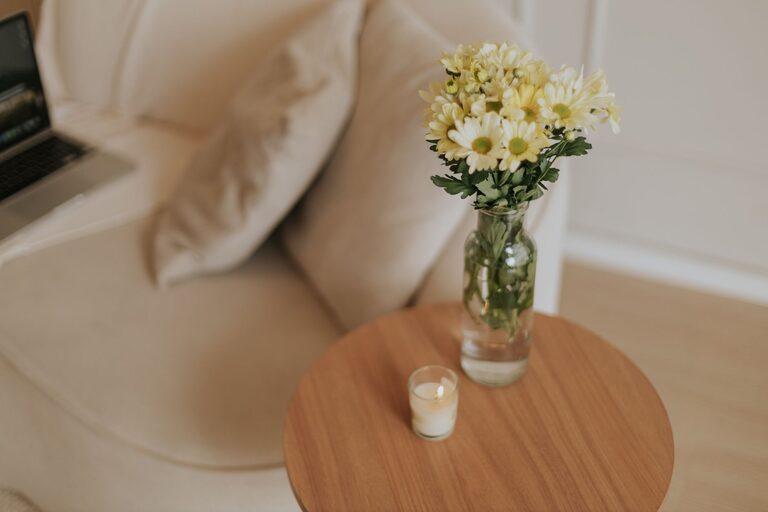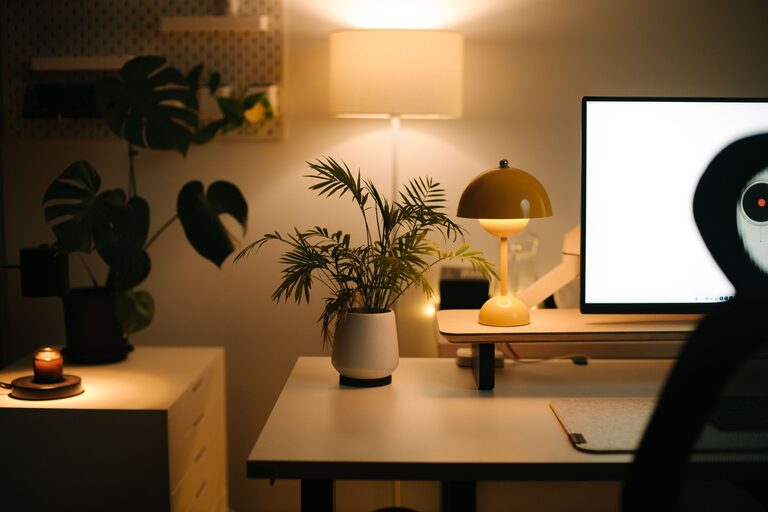
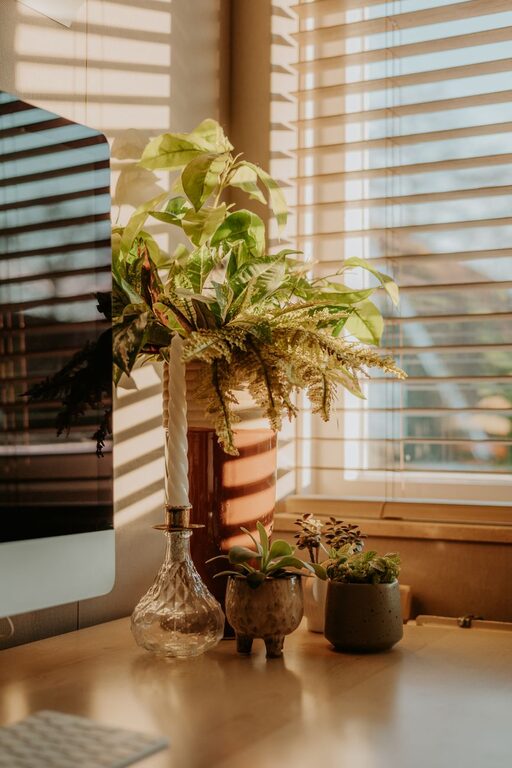
Creating a home office that balances coziness with productivity is essential for anyone working remotely or managing tasks from home. A well-designed space can boost your focus, reduce stress, and make your workday more enjoyable. Whether you have a dedicated room or a small corner, these tips will help you set up a home office that meets your needs.
Choose the Right Location
Selecting the ideal spot for your home office can have a big impact on your comfort and concentration.
– Find a quiet area: Look for a space with minimal distractions, away from noisy appliances or traffic.
– Natural light: Position your desk near a window if possible. Natural light improves mood and reduces eye strain.
– Room for essentials: Ensure there’s enough space for your desk, chair, and any equipment you need without feeling cramped.
Invest in Comfortable Furniture
Comfort is key to maintaining productivity throughout the day.
– Ergonomic chair: Choose a chair that supports your back and promotes good posture.
– Height-appropriate desk: Your desk should allow you to work without hunching your shoulders or straining your wrists.
– Adjustability: Consider furniture that lets you alternate between sitting and standing to reduce fatigue.
Organize with Purpose
Keeping your workspace tidy helps reduce distractions and keeps you focused.
– Declutter regularly: Avoid piling papers and items on your desk. Only keep what you need daily within reach.
– Storage solutions: Use shelves, drawers, or filing cabinets to store supplies and documents.
– Cable management: Tidy up cords with clips or sleeves to keep your desk neat.
Personalize Your Space
Add elements that inspire and motivate you while keeping the space professional.
– Decorate tastefully: Use artwork, plants, or photos that make you feel comfortable without cluttering.
– Color choice: Soft, neutral colors promote calm, while accent colors can add energy.
– Lighting: Besides natural light, use adjustable lamps that reduce glare.
Embrace Technology Wisely
Technology helps streamline your work but can also contribute to distractions.
– Reliable equipment: Invest in a good computer, fast internet, and quality peripherals.
– Minimal distractions: Use apps that block distracting websites or silencing notifications during work hours.
– Backup plans: Have chargers and backup drives ready to avoid interruptions.
Create a Routine and Boundaries
A clear structure helps separate work from personal time.
– Set work hours: Define when your workday starts and ends.
– Breaks: Schedule regular short breaks to stretch and refresh your mind.
– Boundaries with others: Communicate your work schedule to household members to minimize interruptions.
Add Comfort Features
Small touches can make a big difference in your daily comfort.
– Temperature control: Use fans, heaters, or windows to adjust the temperature.
– Soft textiles: Incorporate cozy rugs, cushions, or throws.
– Sound control: Consider noise-canceling headphones or soft background music to aid focus.
Keep Wellness in Mind
Your physical and mental health affects productivity.
– Ergonomics: Adjust your workstation to avoid strain.
– Movement: Stand up often, stretch, or take short walks.
– Hydration and snacks: Keep water and healthy snacks nearby to fuel your work.
Final Thoughts
Designing a cozy and productive home office isn’t about perfection—it’s about creating a space that supports your work style and wellbeing. Start with the basics and customize as you go, making sure your workspace helps you stay comfortable, focused, and motivated. With the right setup, working from home can be both enjoyable and efficient.
About the Author