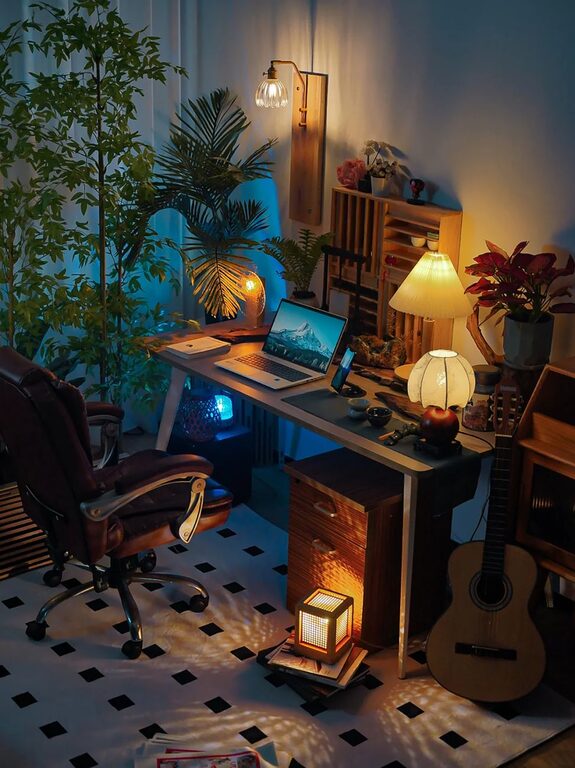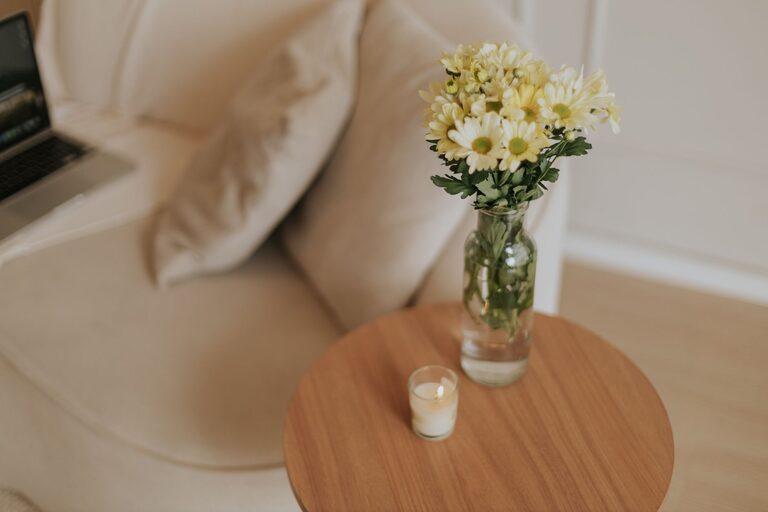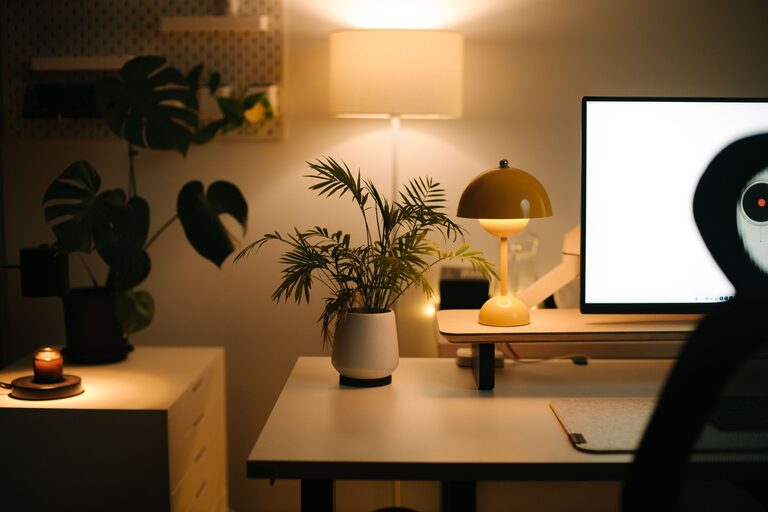
Creating an efficient and comfortable home office can significantly impact your productivity and overall work satisfaction. Whether you’re new to working from home or looking to improve your current setup, organizing your workspace thoughtfully will help you focus, reduce stress, and maintain a healthy work-life balance. In this guide, we’ll explore practical tips to help you organize your home office effectively.
Choose the Right Location for Your Home Office
The foundation of an organized office starts with selecting the best spot in your home:
– Quiet and Private: Pick a space with minimal distractions where you can concentrate easily.
– Natural Light: Position your desk near a window to benefit from natural daylight, which helps reduce eye strain and boosts mood.
– Space Availability: Make sure there’s enough room for your equipment, storage, and movement.
Declutter and Keep Only Essentials
A cluttered desk can lead to a cluttered mind. Keep your workspace clean by:
– Removing Non-Essentials: Only keep items that you use daily on your desk.
– Daily Tidying: Spend 5 minutes at the end of each day putting things back in their place.
– Digitize Documents: Scan paper files or notes to reduce physical clutter.
Invest in Ergonomic Furniture and Equipment
Comfort plays a key role in productivity. Consider:
– Ergonomic Chair: Supports your back and encourages good posture.
– Adjustable Desk: A sit-stand desk lets you switch between sitting and standing.
– Monitor Stand: Keeps your screen at eye level to prevent neck strain.
Use Smart Storage Solutions
Organized storage helps keep your office tidy and things accessible:
– Shelves and Cabinets: Store books, binders, and tech accessories neatly.
– Drawer Organizers: Sort small items like pens, chargers, and sticky notes.
– Label Everything: Using labels makes it easier to find what you need quickly.
Cable Management for a Cleaner Look
Messy cables can be distracting and unsafe. To manage cables effectively:
– Use cable clips or ties to bundle wires.
– Employ cable sleeves or trays under your desk.
– Label cables for easy identification when unplugging or rearranging.
Create Zones for Different Activities
Designate specific areas for tasks to improve focus:
– Work Zone: Your desk area for computer work and calling.
– Reference Zone: Shelves with books, files, or notes.
– Break Zone: A comfortable chair or space to relax briefly.
Optimize Lighting
Good lighting reduces eye strain and improves mood:
– Use a mix of ambient, task, and natural light.
– Position task lighting directly on your work area.
– Avoid glare on your computer screen by adjusting the light source.
Personalize Your Space Thoughtfully
Adding personal touches can make your office welcoming without causing clutter:
– Display a few meaningful photos or artwork.
– Keep a small plant for freshness and improved air quality.
– Use colors that motivate and calm you.
Establish a Routine and Maintain Your Space
Organization is an ongoing process:
– Set aside time weekly to tidy and reorganize.
– Review your workspace setup periodically to ensure it still meets your needs.
– Develop a clear start and finish to your workday to help balance work and personal life.
Final Thoughts
Organizing your home office doesn’t have to be a daunting task. With intentional planning and small changes, you can transform your workspace into a comfortable and productive environment. Focus on functionality, comfort, and simplicity to make your home office a place where you enjoy working every day.
About the Author